
TL;DR — Malaysian office workers can save 10+ hours a week by chaining AI (Codex, Gemini, or Claude) with 5 everyday plugins: Browser, Computer Use, Gmail, Google Calendar, and Google Drive. 10 real use cases below — 5 for work, 5 for life — free tiers only, no coding required.
- The biggest win is letting AI handle the boring 60% of your week (form-filling, news sorting, file search) so you can focus on the judgement-call 40%
- Don’t expect first-attempt perfection — treat AI like a new colleague, correct it, and the quality compounds after 2–3 rounds
- For maximum time saved, bundle tasks into one delegation — don’t ping-pong step-by-step or you’ll spend the savings babysitting
Key takeaways
- The new AI agent pattern (Codex / Gemini Gems / Claude Projects) connects your AI to your real tools — Gmail, Calendar, Drive, Browser, desktop apps — turning 5 separate tools into one workflow
- 5 work wins: form-filling, course scripts, slide decks via Gamma, course reminders, website CSS tweaks; 5 life wins: daily news curation, weekend plans, self-paced learning, a personal “places to go” site, monthly review
- After 30 days of daily use, the biggest lesson is to bundle the whole task into one delegation — give AI the goal, data, rules, and what it can decide; then walk away and review the finished work
This article is for: Malaysian office workers, knowledge workers, managers, and SME owners who feel buried in admin and want to delegate the boring 60% of their week to AI. No coding background required. Free-tier tools only. Works whether you use Codex, Gemini, or Claude.

Why this matters (and why I changed my mind about AI)
Until 6 months ago, I was the “AI is great for chat” person. I’d ask ChatGPT a question, get an answer, copy-paste into Word, reformat, save, email. Saved maybe 2 minutes per task. Not life-changing.
Then I tried Codex with plugins — Browser, Computer Use, Gmail, Calendar, Drive — and the equation flipped. Codex isn’t just an AI that answers. It’s an AI that operates my tools, reads my files, and delivers finished work. I tell it: “Read my project notes, summarise the last 30 days, write a monthly review, save to my Drive, and email me when done.” I walk away. When I come back, the work is finished.
This article is the 10 use cases I’ve found most useful after 30 days of daily use. 5 for work, 5 for life, all localised to Malaysian context (RM, Malaysian companies, Malaysian apps). At the end I share 4 lessons that took a month of mistakes to learn.
A quick note on tool choice: I’ll use Codex in the examples because that’s the tool I tested most. But every use case here works with Gemini Gems + Google Workspace, Claude Projects + Computer Use, or any combo that lets your AI access your real tools. The pattern matters, not the brand.
Start with these 5 plugins (skip the rest for now)
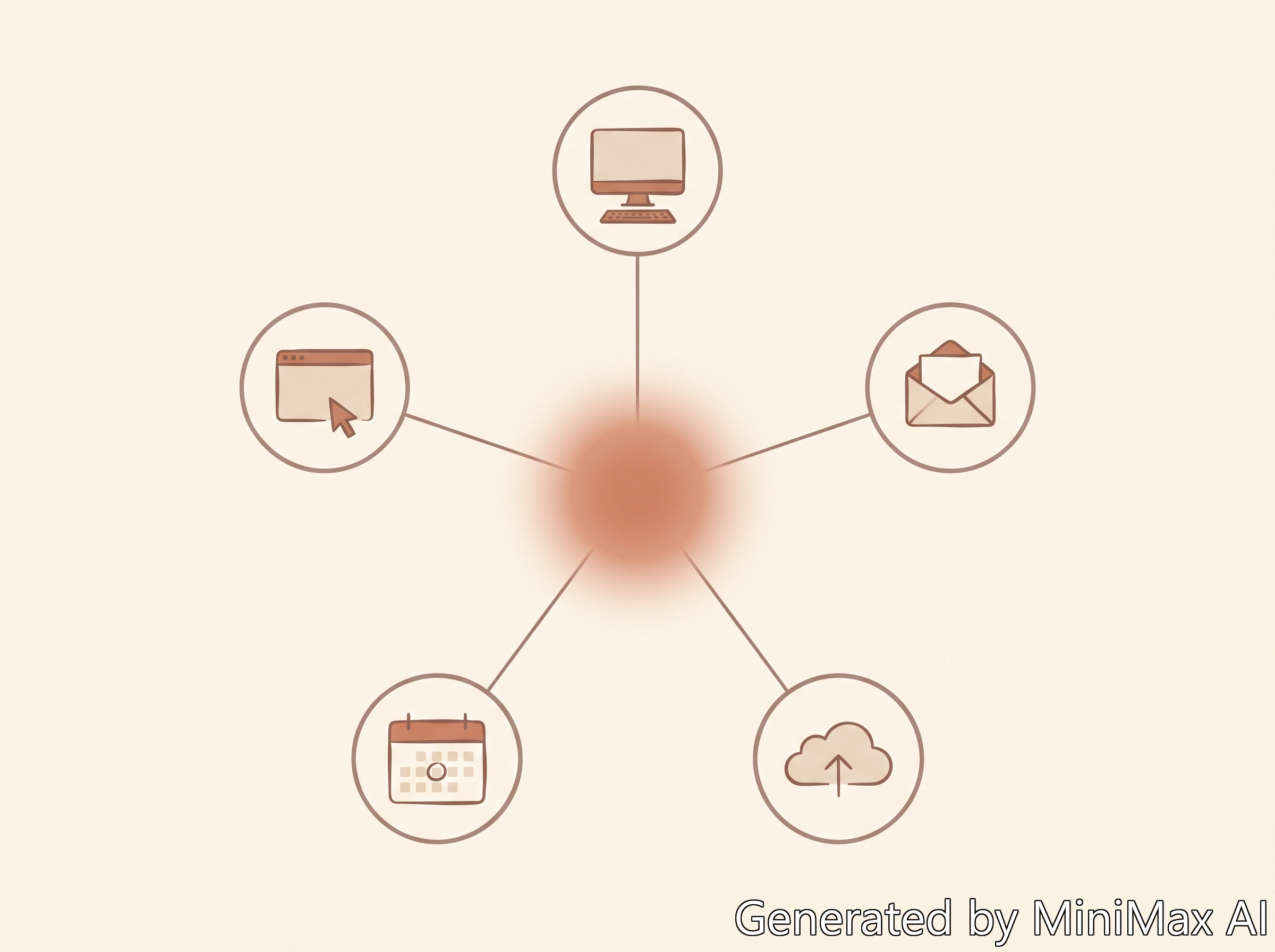
A plugin lets your AI do work outside the chat window — read your email, check your calendar, search your Drive, operate your browser, control your desktop. Without plugins, AI is a brain in a jar. With them, AI has hands.
You don’t need 20 plugins. Start with these 5 (the everyday ones):
- Browser — open, inspect, and operate web pages
- Computer Use — operate desktop apps on your Mac/PC
- Gmail — search and manage your email
- Google Calendar — read and manage your schedule
- Google Drive — search Docs, Sheets, Slides, PDFs
Add others (Gamma, Notion, GitHub, PDF tools) only when a task actually needs them. Trying to install everything on day one is the fastest way to get overwhelmed.

5 Work Use Cases
1. Filling endless admin forms
We all have them. The MDEC application. The HRD Corp claim form. The vendor onboarding. The event RSVP. They all ask for the same 12 things — name, IC, position, company, address, social handles — every single time.
Workflow: Save a “personal data” doc in your Drive with all the basics once. When a form appears, tell Codex: “Open this form. Read my personal data doc. Fill every field. Tell me which fields you couldn’t fill and why.” Codex uses Computer Use or Browser to operate the page, find each field, type the data, and report back.
Time saved: 20 minutes per form. 2–3 forms a week = 1.5 hours back.
2. Course scripts and presentation outlines
I prep a new AI workshop roughly every 2 weeks. Old workflow: 4–6 hours reading articles, drafting an outline, writing a script, making slides, rehearsing.
Workflow: Define the workshop structure first (intro → why it matters → common mistakes → step-by-step → FAQ → demo). Tell Codex: “Search the web for the 5 most recent articles on [topic]. Summarise each in 200 words. Then write a 2-hour workshop script following this structure. Tone: practical, conversational, Malaysian.” Edit for voice, add your own stories, ship.
Time saved: 4–6 hours → 90 minutes.
3. Slide decks via Gamma (the right way)
Most AI-generated decks fail because the AI summarises too aggressively. You feed it 1,500 words, get back 5 bullet points. That’s not a deck — that’s a summary.
Workflow: Write the full script first (Use Case 2). Tell Gamma: “Here’s my 1,500-word script. Build a 15-slide deck. Do NOT summarise. Each slide keeps the full sentence(s) it’s responsible for. Every important detail must remain.” Review, adjust slide breaks, ship. The deck becomes a visual representation of the script, not a replacement.
4. Course reminder emails and announcements
Every workshop needs a pre-class reminder: what to install, what to log into, what to read, what to bring. Previously I’d rewrite this from scratch every time.
Workflow: Codex reads the course materials from Drive. Tell it: “Based on these materials, write a pre-class reminder email. Include: software to install, accounts to create, links to open during class, and a one-line agenda preview. Tone: friendly, Malaysian, English (with key terms in BM if needed).” Check facts and tone, hit send.
Time saved: 20–30 minutes per course.
5. Tweaking your own website (without knowing CSS)
I’m not a frontend dev. But I see nice effects on other sites and want them on mine. Previously I’d either spend 2 hours Googling CSS or give up.
Workflow: Screenshot the effect you want. Tell Codex: “Read my site’s HTML structure. Here’s a screenshot of the effect I want. Write the CSS to add it. Tell me which file to add it to and where.” Codex inspects the code, drafts the CSS, tells you where to paste. You paste, test, ship.
Time saved: From “give up” to 15 minutes per change.

5 Life Use Cases
6. Daily news curation
I don’t read the news. Not because I don’t care — because I don’t want every crime story and political squabble. But I do want to know: major Malaysian policy changes (tax, EPF), real tech/AI news, weather warnings, anything that moves my money (BNM rate, stock market).
Workflow: Tell Codex (or a daily cron job): “Every morning at 7am, search The Edge, Malay Mail, Bernama, TechCrunch, The Verge. Filter to: major policy, tech/AI, weather warnings, financial. Skip: crime, celebrity, political squabbles. Output: a 10-bullet summary, top of email. Add a 1-line weather forecast for KL.” Read over breakfast. Done.
Time saved: 30 minutes of doomscrolling → 3 minutes of curated reading.
7. Weekend plans (especially with kids)
The worst part of parenting isn’t the parenting — it’s the planning. Where to go? What’s open? Is it raining? Where to eat?
Workflow: Tell Codex: “I’m in KL, I have 2 kids aged 5 and 8, this Saturday, weather says rain in the afternoon. Give me 3 weekend plan options: A) indoor morning, B) outdoor morning + indoor afternoon, C) low-effort half-day. For each: 2–3 venue options with addresses, food nearby, parking notes, rain backup.” Pick one, add to Google Calendar with a Friday 6pm reminder.
Time saved: 1 hour of research → 5 minutes of picking from 3 options.
8. Self-designed online courses
YouTube has the best free education in the world. The problem isn’t content — it’s that the algorithm doesn’t know what you’ve already learned.
Workflow: Tell Codex: “I want to learn [topic]. My level: [beginner/intermediate/advanced]. My goal: [specific outcome]. Time per week: [X hours]. Preferred format: video/article/hands-on. Build me a 4-week learning path: each week has 3–5 YouTube videos in order, 1 article to read, 1 small project to attempt. Search the web for the best resources as of 2026.” Follow the plan. Adjust weekly.
9. A personal “places to go” curation site
I used to have 47 bookmarks of cafes, restaurants, museums I’d vaguely thought “I should go someday.” I never went.
Workflow: Tell Codex: “Build me a simple website. Sections: cafes, restaurants, museums, parks, one-person retreats. For each section, I’ll feed you places. Store them with: name, area, opening hours, why I saved it, last visit date. Make it look clean and minimal.” Add places as you encounter them. Codex uses the Sites plugin to deploy.
10. Monthly review (Codex + Obsidian)
I keep notes everywhere: daily journal, work logs, Calendar, project notes, reading notes, half-finished thoughts. After 30 days, I have no idea what I actually did.
Workflow: Tell Codex: “Read my [list of sources]. Don’t write a monthly review yet. Instead, ask me 8–10 questions based on what you see — one at a time, interview style. I’ll answer. After I answer, save the Q&A to my Obsidian vault as ‘Monthly Review - [Month]’.” 20 minutes of answering. End result: a real review that captures what you actually thought, not what an AI invented.
Time saved: 2–3 hours of “what did I even do this month” → 20 minutes of structured interview.
4 lessons after 30 days of daily use
Lesson 1: Start with the work you hate
Don’t ask “what can AI do?” Ask: “what do I hate doing that AI might be good at?” That gives you a real, immediate use case. The boring admin is where AI shines. The judgement calls are where you shine. Don’t delegate the wrong way around.
Lesson 2: Don’t expect first-attempt perfection
Codex (or Gemini, or Claude) will mess up. The first form-fill will go in the wrong field. The first deck will summarise too aggressively. The first CSS fix will break something.
This is normal. It’s not “AI being bad.” It’s AI not knowing your context yet. Treat it like a new colleague on day one: show it the right way once, correct the specific mistake, save the correction as a rule for next time. The compounding effect kicks in around week 2–3.
Lesson 3: AI is great for life admin too
The same delegation mindset that helps at work helps at home:
- “What should we do this weekend?” → AI
- “What’s happening in Malaysian tech this week?” → AI
- “I want to learn X — where do I start?” → AI
- “Help me plan a birthday dinner for 12 people” → AI
- “Build me a packing list for a 4-day trip to Langkawi” → AI
The pattern is the same: search + compare + organise + summarise → AI. Decide → you.
Lesson 4: For Computer Use, batch the whole task — don’t ping-pong
The slowest AI workflow is alternating between you and AI step-by-step. You’re glued to the screen. AI is slow. You might as well have done it yourself.
The faster workflow: Bundle the entire task into one delegation. Tell AI: “Here’s the goal, the data, the rules, what you can decide, what you can’t. Do it all. Come back when finished.” Walk away. Review the finished work.
Example: “Read these 12 PDFs, summarise each in 200 words, save to my Drive folder ‘/Research/Summaries’, and email me when done.” One delegation. You go make coffee. When you come back, the work is finished.
FAQ
Is Codex the only tool that does this?
No. The pattern (AI + plugins that access your real tools) is available in Codex (OpenAI), Gemini Gems + Google Workspace (Google), Claude Projects + Computer Use (Anthropic), and other emerging agent platforms. The brand matters less than the capability: can your AI read your files, check your email, browse the web, and operate your desktop? If yes, you have what you need.
Do I need to pay for Codex to get these features?
Codex has a free tier with limited usage. For heavy daily use (5–10 tasks/day), a paid plan makes sense. If you’re not ready to pay, start with Gemini + Google Workspace — free with a Google account, and it covers 80% of these use cases.
Is Computer Use safe? Can the AI see my passwords?
Computer Use operates the screen like a human — it can see what’s on screen, including sensitive data if it’s visible. For confidential work (tax forms, banking, HR-sensitive data), use caution or stick to non-sensitive workflows until you trust the tool. Most agent platforms have a “dry run” or “approval required” mode for sensitive actions — use it.
How long does it take to get comfortable with these tools?
For a non-technical office worker: 2–4 weeks of daily use. By week 1, one or two tasks. By week 4, 5–7 reliable workflows that save real time. Pick one use case, master it, then add the next.
Will AI replace my job?
These tools don’t replace roles. They replace tasks — the boring 30% of anyone’s week. The person using AI to handle their admin will outperform the person who doesn’t, on the same job. The job still needs you for: judgement, relationships, creative decisions, accountability. AI is the assistant, not the replacement.
What’s the difference between Codex and ChatGPT?
ChatGPT is a chat interface. Codex is an agent that can use tools — read files, run code, operate your browser, send emails. ChatGPT answers questions. Codex completes tasks. If you’ve only used ChatGPT in a browser tab, you haven’t seen what agentic AI can do yet.
Conclusion: pick one use case, run it for 2 weeks
If this article felt overwhelming, ignore 9 of the 10 use cases. Pick the one that made you think “yeah, I do that every week and I hate it.” That’s your starting point.
For most Malaysian office workers, my recommendation is Use Case 1 (form-filling) or Use Case 6 (news curation) — both are low-risk, high-frequency, and you’ll see time savings within the first week. Once those two feel natural, layer in a second use case. By week 4, you’ll have a personal AI workflow that genuinely saves 5–10 hours a week.
The 2026 winners in the Malaysian workplace won’t be the people with the most AI knowledge. They’ll be the people who actually use AI for the boring 60% of their week so they can spend more time on the 40% that actually matters.
Next step: Pick your first use case. If you want a structured 5-hour walkthrough of these patterns and 6 free AI tools that work in the Malaysian context, check out my Mastering AI workshop — HRD Corp claimable, LPPEH approved (5 CPD Hours).
Written by Reese Tan, HRDC-Accredited AI Trainer and full-time Digital Marketing Strategist based in Malaysia. 15+ years in SME growth, corporate marketing, and content strategy. 500+ professionals trained across SMEs, corporate teams, and real estate agencies. Last updated: August 2026.